

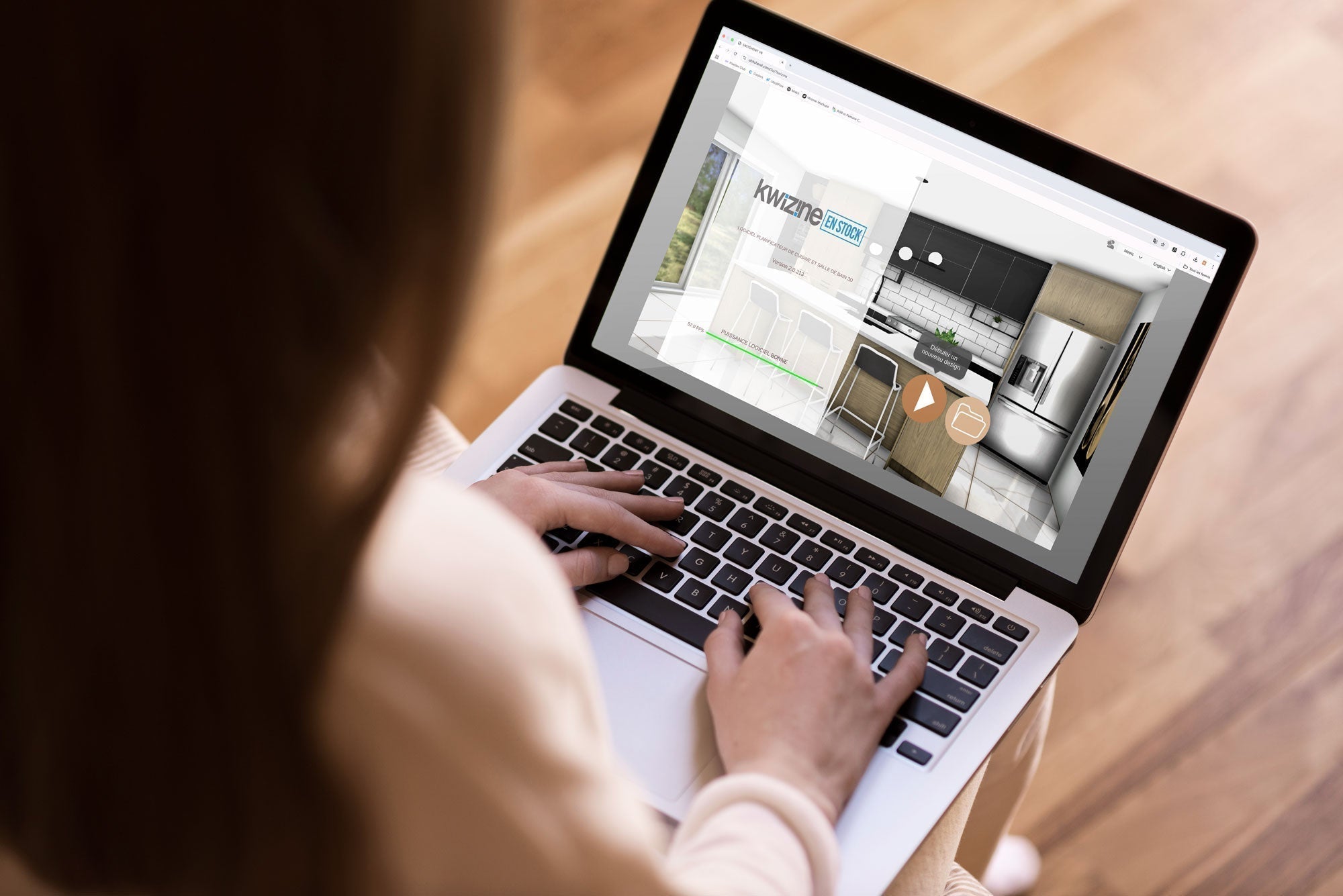
Want to visualize your kitchen before ordering? Our 3D planner is a free tool that allows you to test different layouts, choose your materials and better estimate the modules you’ll need for your project.
Start by opening the planner and clicking on the “New Design” icon to create a new project.
You can then choose a 2D layout that best suits your space and enter the exact dimensions of your room. If the shape of your room isn’t available in the options, you can draw your own layout by clicking on the grid.
Once you’ve entered the room dimensions, click on the “3D” icon in the bottom right to begin creating your space.
Now that you’ve created your room, it’s time to get familiar with the navigation so you can view your kitchen from all angles.
Start by adding doors and windows to your room.
In the right menu, click on the hammer icon “Design Room.” You will find models of windows, doors and patio doors.
Choose a model and add it to your plan by clicking on the hammer icon, then on the wall where you want the item to appear. You can move the item by clicking on it, then using the small hand icon to drag it into the correct position.
Next, you can add appliances to your room.
From the left menu, select the “Appliances” icon. Choose your refrigerator, oven, dishwasher and other appliances, then add them to the kitchen in the same way as you did with the doors and windows.
In the left menu, click on the “Cabinets” menu:
Once your design is complete, it’s time to save your project for the next step.
With these files in hand, you’re ready to place your order or get additional advice in-store!
Take advantage of our design service for $99. An expert will create your plan based on your measurements and preferences. This service is refunded with your purchase!
How to Use Our 3D Planning Tool to Design Your New Kitchen
Want to visualize your kitchen before ordering? Our 3D planner is a free tool that allows you to test different layouts, choose your materials and better estimate the modules you’ll need for your project.
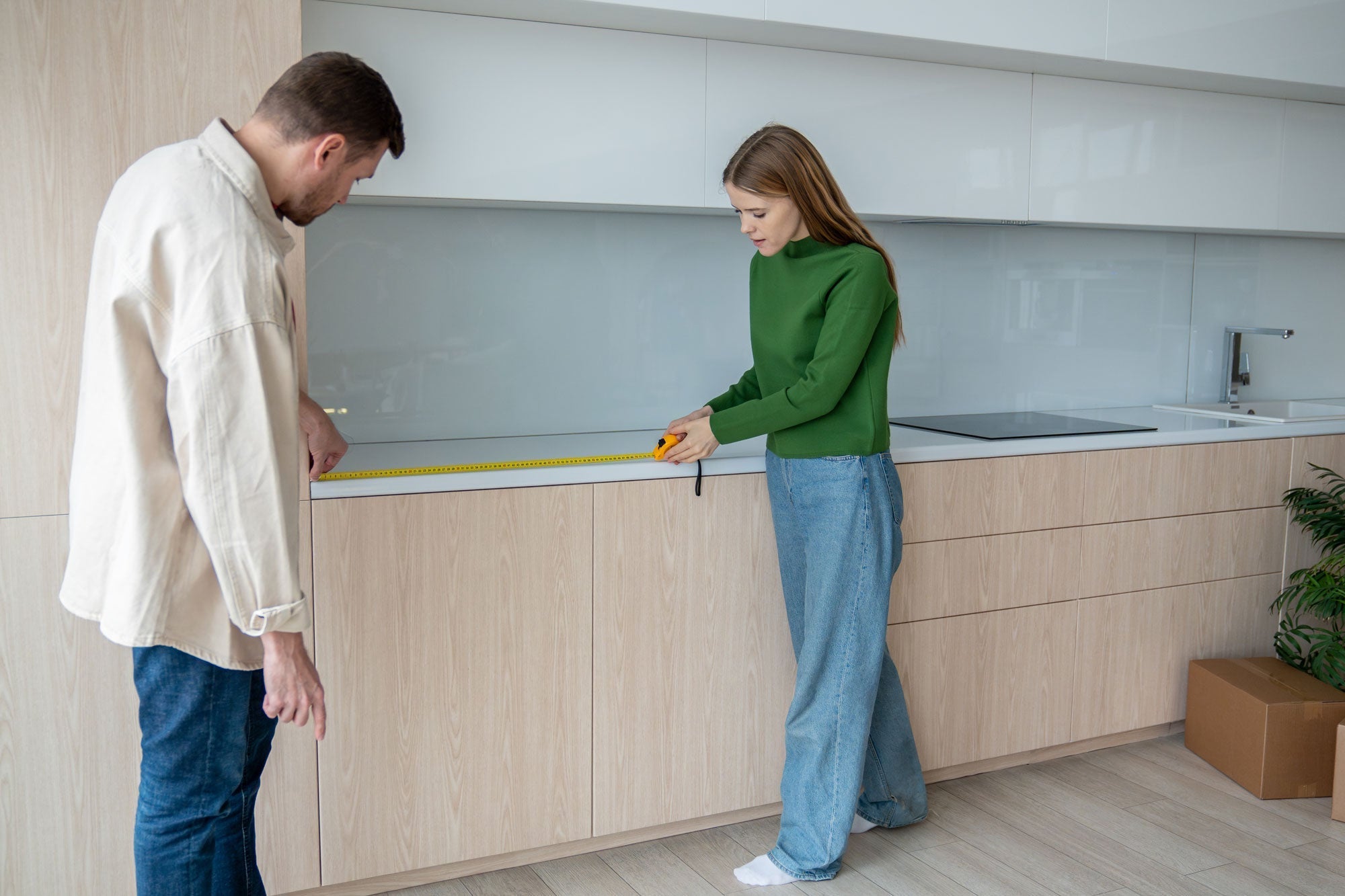
How to Measure Your Kitchen Properly
Taking accurate measurements of your kitchen is the first step towards a successful renovation project. Learn how to measure your kitchen easily, quickly, and accurately, and download our grid to help you plan.
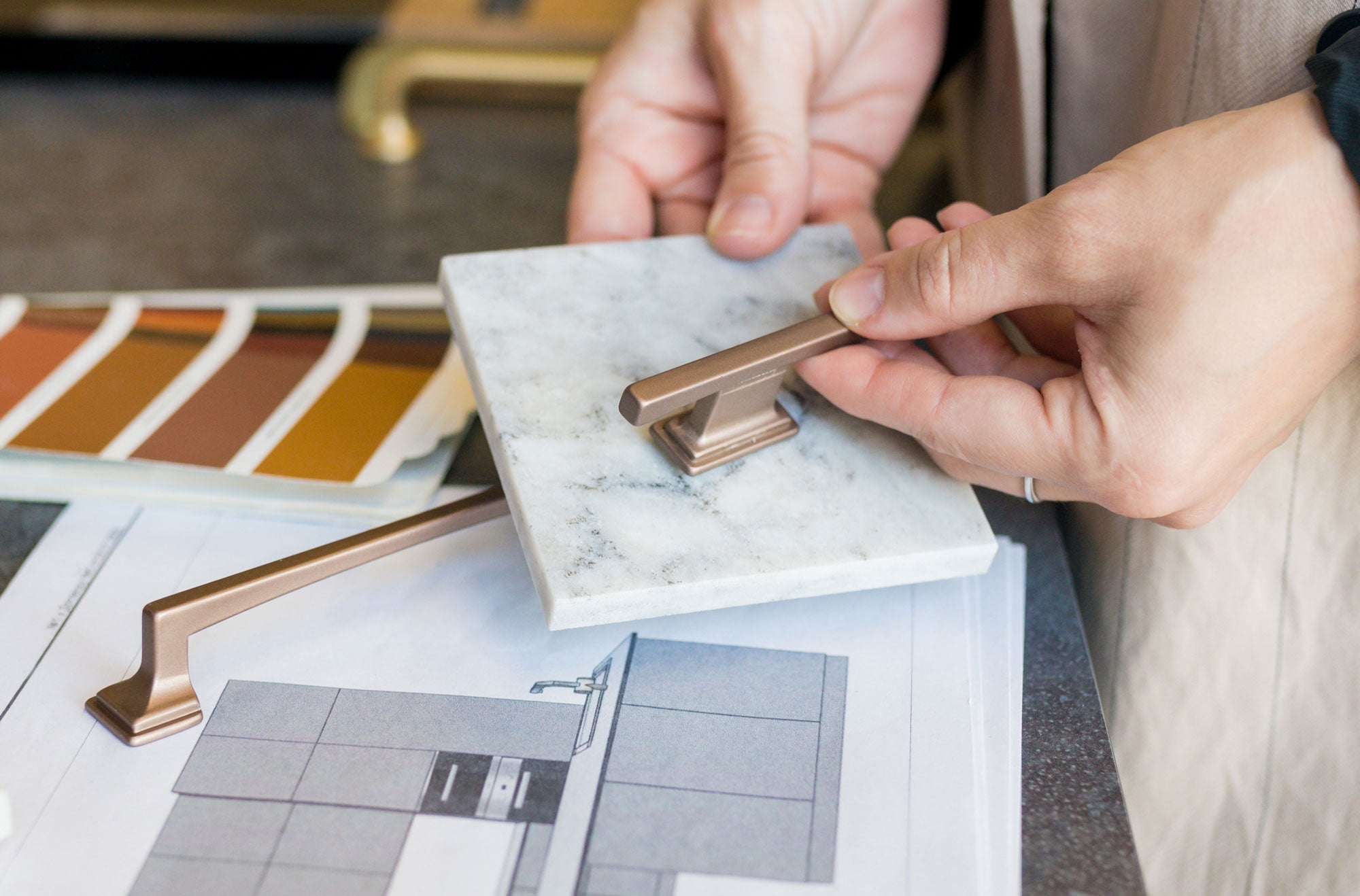
Plan Your Kitchen Renovation Project in 7 Steps
Renovating your kitchen is a big project, but with proper planning, everything becomes simpler. Follow these 7 steps to plan your kitchen renovation.
Share:
How to Measure Your Kitchen Properly
Plan Your Kitchen Renovation Project in 7 Steps